
Before you begin: make sure that HACS, or Home Assistant Community Store, is already installed in Home Assistant and that you have administrator access to the dashboard. Additionally, check that the bridge version number is at least 217-20.
Open HACS
In the Home Assistant dashboard, click HACS in the side menu. If you do not see this option, check whether HACS is installed correctly and whether you are logged in with an account that has administrator privileges.
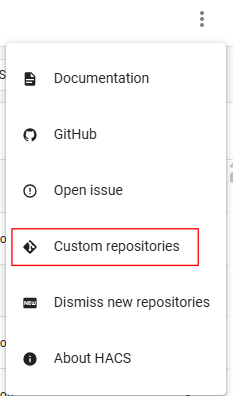
Then, from the menu in the upper-right corner, represented by the three dots, select “Custom repositories.”
Next, enter the following URL in the repository field:
https://github.com/arytmaticka/elegant_ha_integration
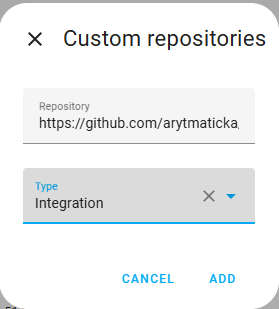
Then we click “ADD”:
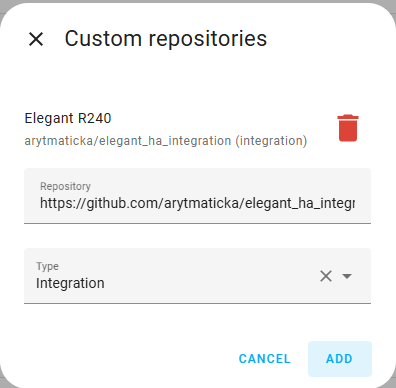
and search for “Elegant R240”:
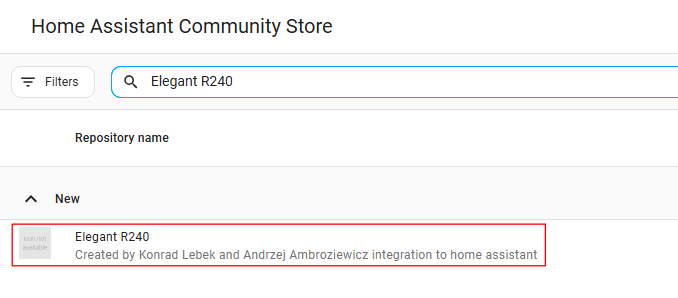
We choose the add-on:
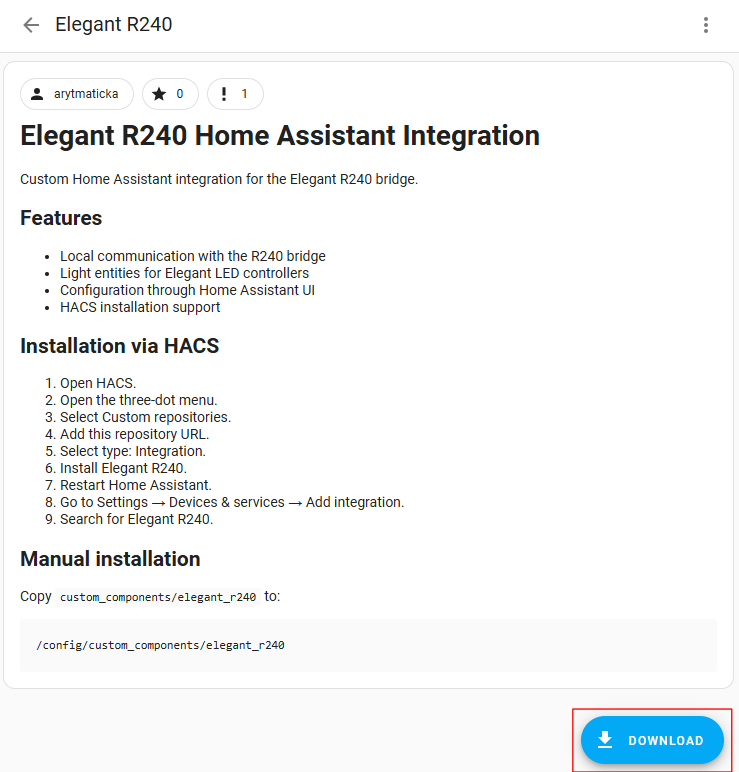
Click “DOWNLOAD”
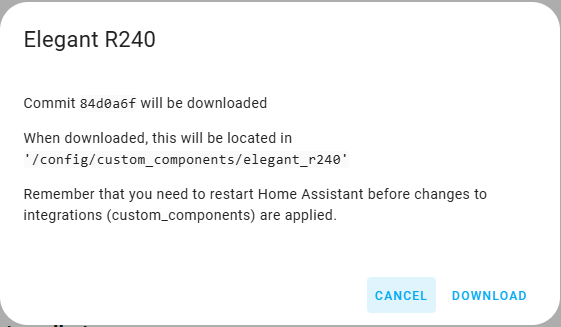
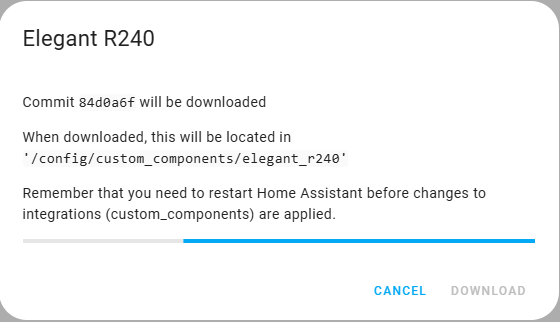
Then we reset Home Assistant and in the “Overview” tab the system should detect Elegant brand devices:
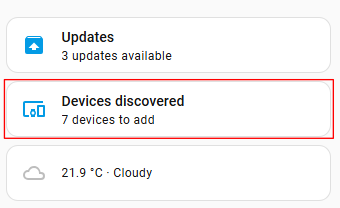
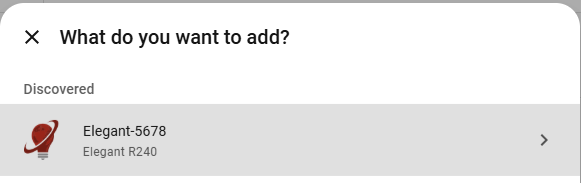
We add the found R240 bridge:
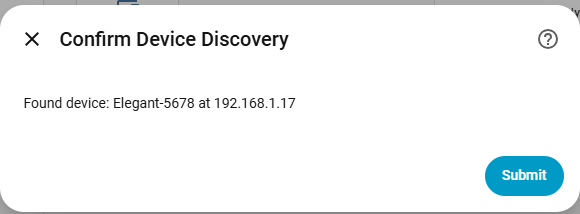
We confirm the addition of the device and check whether the IP address matches:
Then we assign the device to the zone:
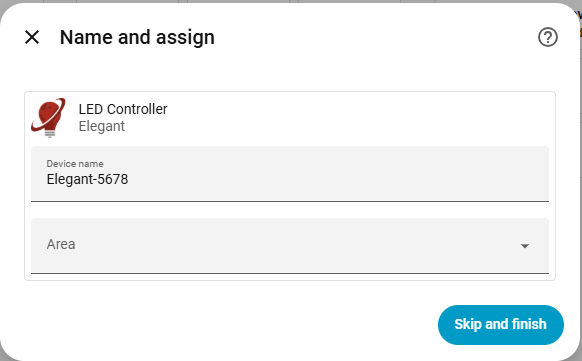
Zones with assigned controllers will appear as entities. If zones aren’t visible, they can be manually added in the device configuration. To do this, go to Settings -> Devices and services -> Integrations -> Elegant R240. Select your controller and enable automatically disabled entities in the control field.